
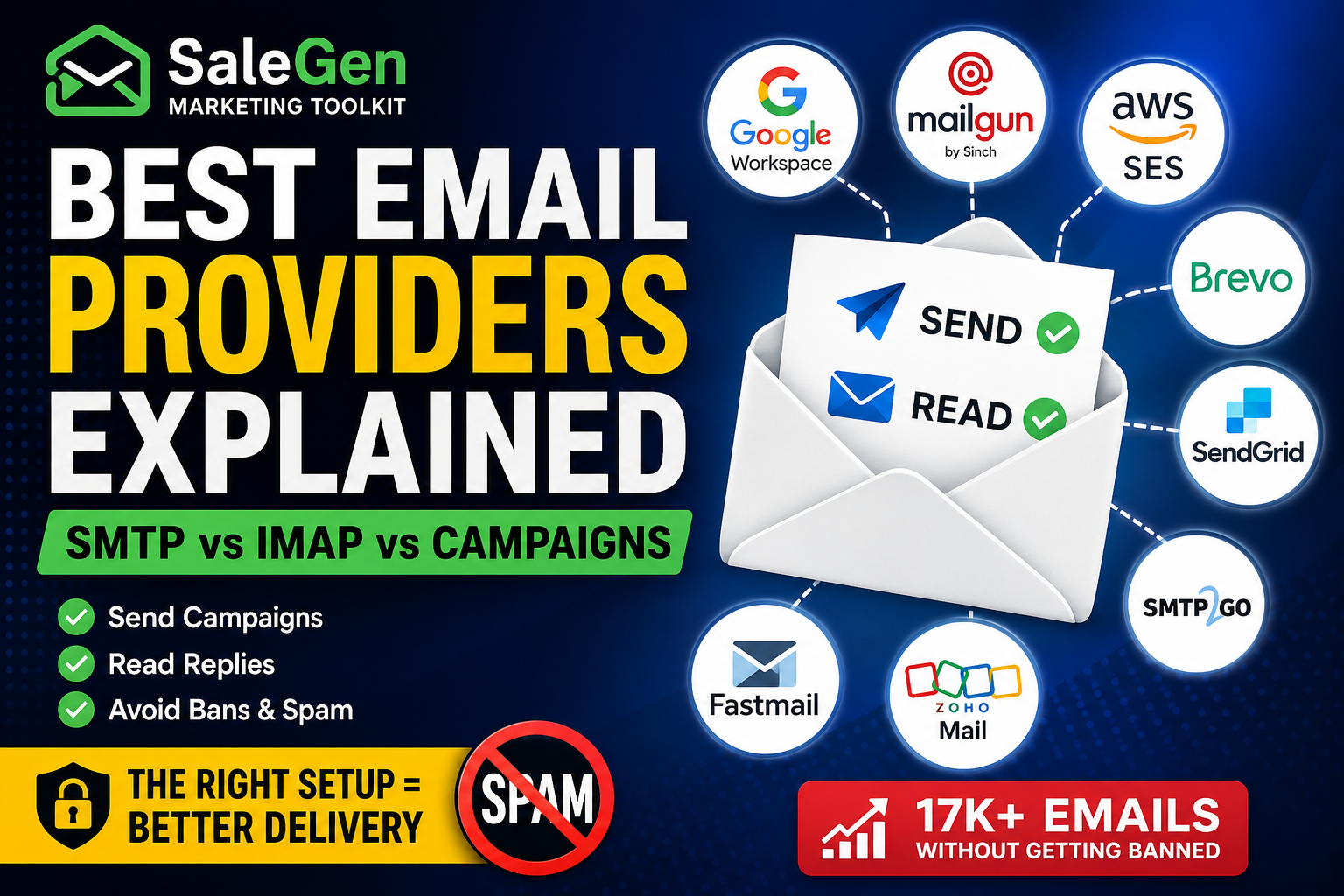
Email marketing inside WordPress sounds simple at first: connect an email account, write a campaign, and send messages to your contacts.
But in reality, email delivery is much more complicated. Many WordPress users connect Gmail, Google Workspace, Zoho Mail, Fastmail, or a custom SMTP server and expect it to work for everything:
business communication, newsletters, marketing campaigns, automated emails, transactional messages, and CRM replies. That is where problems usually begin. Some email providers are built for normal business email. Some are built for high-volume sending. Some are optimized for transactional emails.
Some can send and read emails through IMAP. Others can only send. And when a contact replies to your campaign, that reply may not go where you expect unless your setup is configured correctly. In this guide, we will explain the real difference between business mail providers, email marketing providers, transactional email services,
SMTP providers, IMAP inboxes, and campaign sending platforms — especially for WordPress, WooCommerce, CRM, and email automation use cases.
SMTP is only the sending part of email. It allows your website, plugin, CRM, or application to send messages.
But email marketing is not only about sending.
A serious email setup may also need:
This is why using one mailbox for everything often creates problems.
A normal business email account is usually not designed for bulk marketing campaigns.
The first thing you need to understand is that not all email providers are designed for the same job.
Business email providers are designed for normal human communication.
Examples include:
These providers are useful for:
However, they are usually not ideal for bulk newsletters or large-scale marketing campaigns.
Email marketing providers and sending APIs are designed to send campaigns at scale.
Examples include:
These providers are better suited for:
But most of them are “send-only” providers. They do not work like a normal mailbox where you can read replies through IMAP.
Transactional email services are designed for important system-triggered emails.
Examples include:
Transactional emails include:
Transactional emails should usually be separated from marketing emails.
If your marketing campaigns receive spam complaints, your password reset and order confirmation emails should not suffer from the same reputation damage.
A common mistake is trying to use one provider for every email-related task.
For example:
This can lead to temporary restrictions, poor deliverability, spam placement, account reviews, or complete sending blocks.
The better approach is to separate email infrastructure by purpose.
Many modern email APIs are excellent for sending but do not include classic mailbox reading.
This creates an important question:
If I send a campaign through Mailgun, SendGrid, Brevo, or Amazon SES, where do replies go?
The answer depends on your From and Reply-To settings.
For example, you can send a campaign through Mailgun but use:
From: [email protected]
Reply-To: [email protected]
When a recipient replies, the reply goes to [email protected].
If that mailbox is hosted on Google Workspace, Fastmail, Zoho Mail, Microsoft 365, or another IMAP-compatible provider,
your CRM can read the reply through IMAP or API.This means the best architecture is often:
Mailgun / SES / Brevo / SendGrid = campaign sending
Google Workspace / Fastmail / Microsoft 365 / Zoho = reply inbox
This setup gives you reliable campaign sending while still keeping replies inside your CRM timeline.
For a WordPress CRM or WooCommerce email marketing system, the best setup is usually not one provider.
It is a combination of two layers:
This provider sends newsletters, marketing emails, product updates, onboarding campaigns, and promotional emails.
This provider receives replies and allows your CRM to read conversations.
In practice, this means you can send with Mailgun and read replies with Google Workspace.
Or send with Amazon SES and read replies with Fastmail.
| Provider | Best For | Send | Read / IMAP | Recommended Use Case |
|---|---|---|---|---|
| Custom SMTP / IMAP | Small business email | Yes | Yes | Small-volume sending, support, CRM replies |
| Google Workspace | Business email and CRM replies | Yes | Yes | 1-to-1 email, small campaigns, reply sync |
| Zoho Mail | Business email | Yes | Yes | Support, normal business correspondence, CRM replies |
| Fastmail | Business email and IMAP | Yes | Yes | Professional mailbox, support, reply reading |
| Microsoft 365 | Business email and enterprise mailbox | Yes | Yes | Business communication, reply sync, CRM inbox |
| Mailgun | Campaign and transactional sending | Yes | No classic IMAP | Marketing campaigns, transactional emails, webhooks, inbound routes |
| Amazon SES | High-volume sending | Yes | No classic IMAP | Large-scale campaigns, transactional emails, low-cost sending |
| Brevo | Marketing and transactional email | Yes | No classic IMAP | Email marketing, automation, transactional sending |
| SendGrid | Email API and marketing campaigns | Yes | No classic IMAP | Campaign sending, transactional email, API-based delivery |
| SMTP2GO | Reliable SMTP delivery | Yes | No classic IMAP | SMTP sending, campaign delivery, WordPress email sending |
| Postmark | Transactional email | Yes | No classic IMAP | Password resets, order emails, license emails, system notifications |
| Resend | Developer-focused email API | Yes | No classic IMAP | Application emails, product notifications, transactional sending |
| Mailjet | Email marketing and sending API | Yes | No classic IMAP | Marketing campaigns, newsletters, transactional sending |
Google Workspace can send emails and is reliable for normal business communication.
It can also work for small, carefully managed campaigns.However, it has daily sending limits and strict sender requirements.
If you send too many similar messages, receive spam complaints, or use poor-quality contact lists, your account may be limited.Google Workspace is usually best for:
It is not the best option for 10,000, 20,000, or 100,000-message marketing campaigns.
Zoho Mail is designed for personal and normal business email usage.
It is not intended for promotional emails, bulk emails, newsletters, marketing emails, automated emails, or transactional emails.This does not mean Zoho is useless.
It means Zoho Mail is best used as a real mailbox, not as a bulk campaign engine.Good use cases for Zoho Mail include:
For marketing emails, use a campaign-focused provider.
For transactional emails, use a transactional email service.
Providers such as Mailgun, Amazon SES, SendGrid, Brevo, SMTP2GO, Mailjet, Resend, and Postmark are primarily designed for delivery.
They are excellent at sending, but they are not usually used as a normal mailbox.Some providers support inbound parsing or webhooks.
For example, Mailgun can receive messages through inbound routes and send parsed email data to your application.
But this is different from a classic IMAP inbox where a user logs in and reads messages like in Gmail or Outlook.That is why a CRM usually needs both:
If you have a list of 1,000+ contacts, you should not send the full campaign through a normal mailbox like Zoho Mail, Fastmail, or Google Workspace.For that volume, use a real sending provider:
Then use a real mailbox for replies:
A good example setup:
Campaign sending: Mailgun
From address: [email protected]
Reply-To address: [email protected]
Reply mailbox: Google Workspace
CRM reply sync: IMAP or Google API
This allows you to send campaigns through professional sending infrastructure while still receiving replies inside your normal mailbox and CRM.
Here is a practical setup for a serious WordPress or WooCommerce business.
mail.example.com or send.example.comnotify.example.comReply-To address to a real mailboxSaleGen Marketing Toolkit is built for WordPress and WooCommerce users who need more than basic SMTP sending.In the PRO version, SaleGen supports multiple provider types:
This gives users flexibility.
You can use a professional sending provider for campaigns and a real mailbox provider for replies.
For example:
Send campaigns with Mailgun.
Receive replies through Google Workspace.
Track the full conversation inside WordPress CRM.
Or:
Send emails with Amazon SES.
Read replies from Fastmail IMAP.
Store the conversation inside the contact timeline.
This separation is important because email marketing, transactional delivery, and business correspondence are not the same thing.
If you are sending a few personal business emails, use Google Workspace, Zoho Mail, Fastmail, Microsoft 365, or Custom SMTP / IMAP.
If you are sending newsletters, promotional emails, or campaigns to thousands of contacts, use Mailgun, Amazon SES, Brevo, SendGrid, SMTP2GO, or Mailjet.
If you are sending password resets, order confirmations, license keys, or account notifications, use a transactional email service such as Postmark, Amazon SES, Mailgun, SendGrid, Brevo Transactional, or ZeptoMail.And if you want replies to appear inside your CRM, do not rely only on a send-only provider.
Use a real mailbox with IMAP or API sync.The best email marketing setup is not about choosing one provider for everything.
It is about choosing the right provider for the right job.With SaleGen Marketing Toolkit, you can build this kind of email infrastructure directly inside WordPress:
campaign sending, CRM contact history, WooCommerce segmentation, automation chains, and reply tracking — all connected in one dashboard.
With the SaleGen Marketing Toolkit PRO Lifetime License, you are not limited to just one email setup. You can create and manage multiple email configurations at the same time — each with its own provider, authentication settings, sending rules, and inbox connection.
This makes it easy to separate different email workflows inside WordPress. For example, you can use one provider for email campaigns, another mailbox for contact form replies, and a different configuration for WooCommerce or CRM communication.
Whether you are managing support messages, lead capture forms, WooCommerce follow-ups, newsletters, or marketing campaigns, SaleGen PRO gives you the flexibility to build a professional email infrastructure directly inside your WordPress dashboard.